
Checked 10 October 2026
Stages & Promo Photo Guide
Separate service dancing from after-hours filming and find the camera for a promo-photo task.
Start with this
Dance Stage performances happen during service. Full-game filming opens every fifth night. Players complete a promo photo using the staff-room camera after closing.
A practical checklist
Follow current prompts. These checkpoints are operating advice.
Dance while the cafe is open
Build and use the available Dance Stage during service.
- Success check
- A maid’s service performance starts for the cafe floor.
- If it remains unclear
- Check the construction or activity requirement in your save.
Read the supporting evidence
§Dance while the cafe is open#
Official reference.
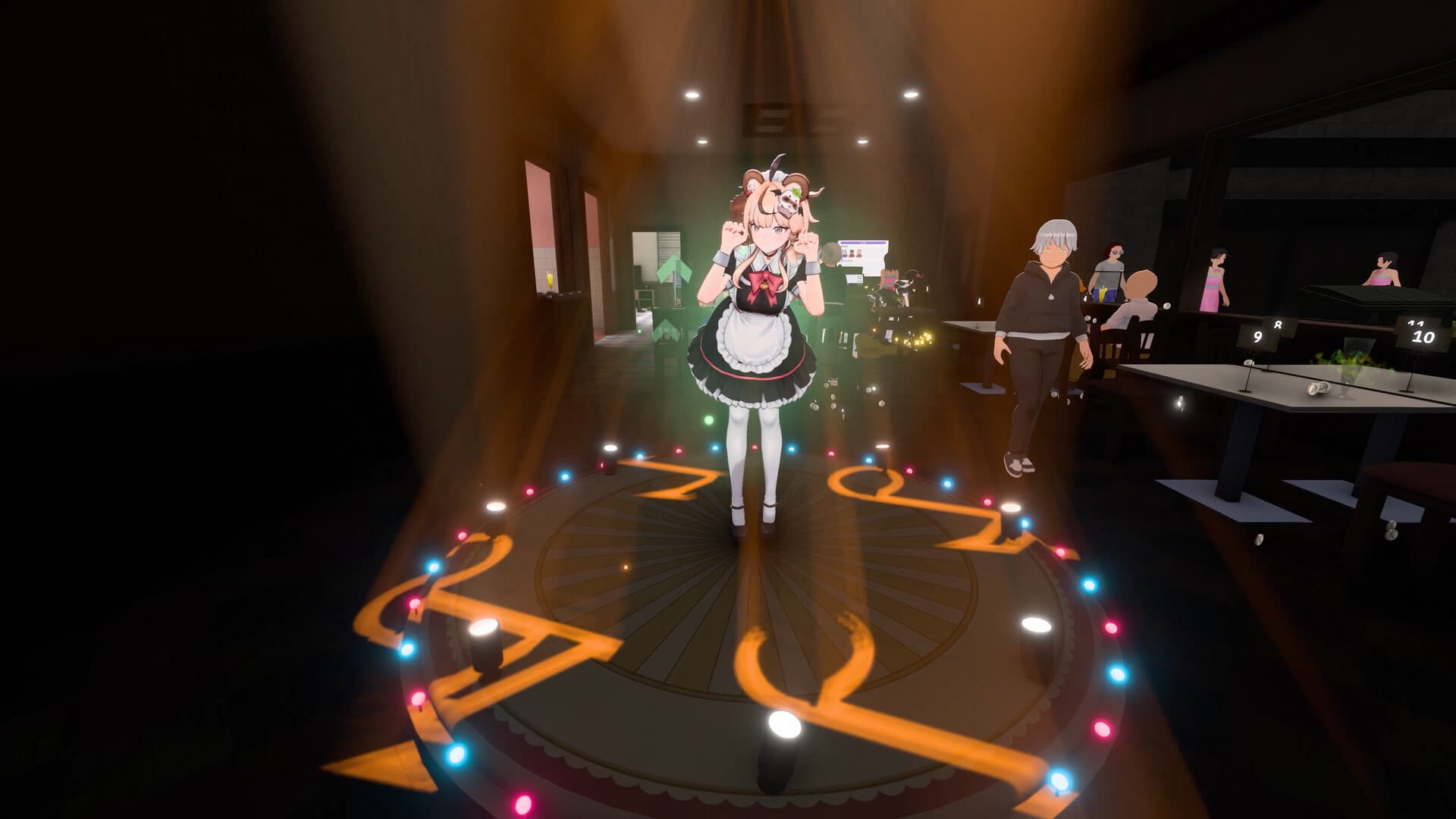
Official launch notes say a built Dance Stage lets maids perform during service, with watching customers responding positively and leaving tips. Use it once available.
Exact construction prices, unlock level and performance profits remain unverified. Read the current construction and activity prompts.
Check fifth-night performance filming
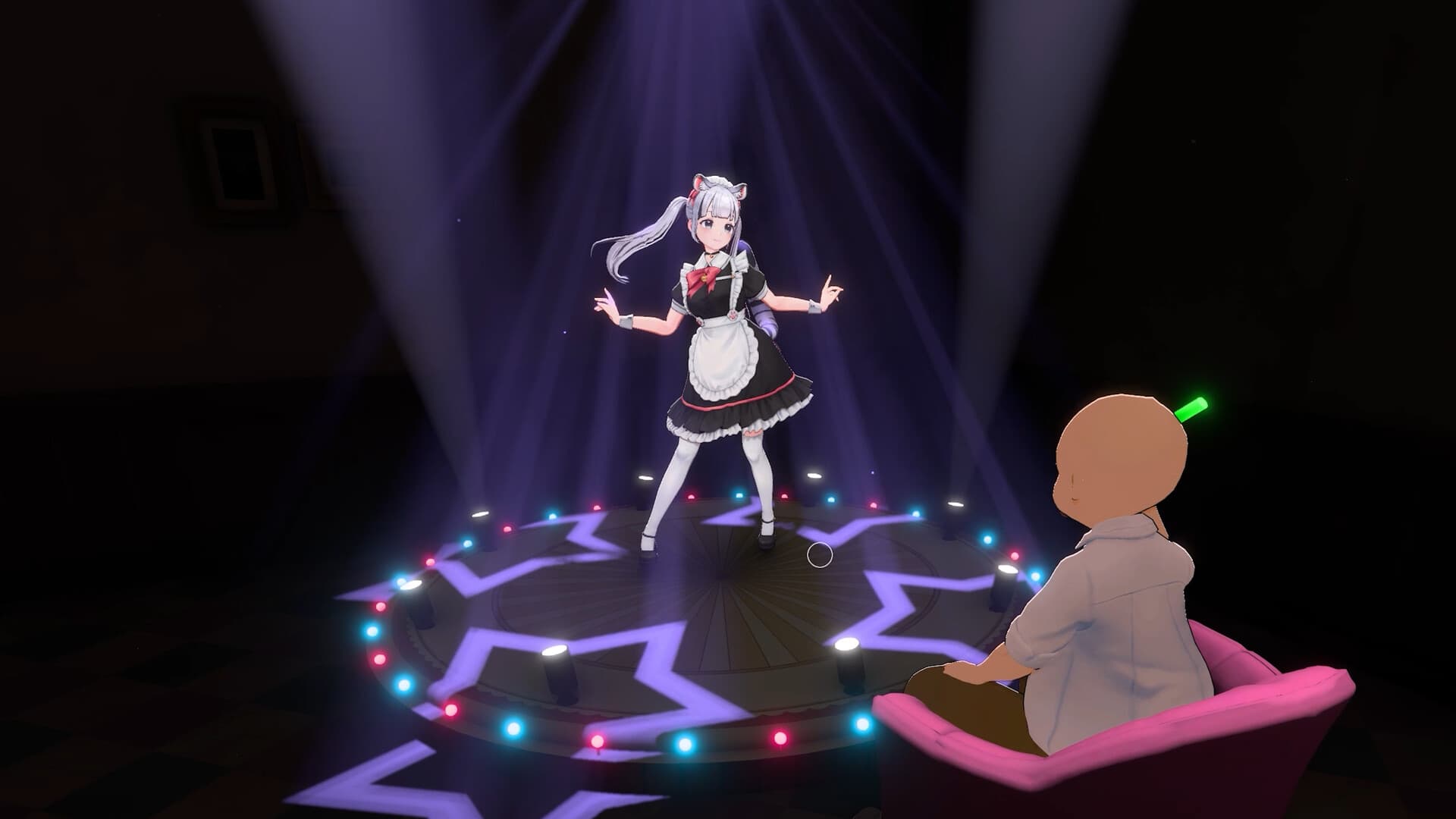
On a fifth filming night, select the maid, outfit, song and difficulty and aim for target shots.
- Success check
- The performance activity starts and a successful photo is eligible for a social post.
- If it remains unclear
- Check full-game access and the current night; service dancing is a separate activity.
Read the supporting evidence
§Check fifth-night performance filming#
Official reference.
The launch post says every fifth night opens the Performance Stage. Select maid, outfit, song and difficulty, then hit target shots during the performance. Successful photos can be posted to in-game social media.
If unavailable, check the full-game version and appropriate night. Ordinary service dancing and the later filming activity have different roles.
Find the camera after closing
For the reported promo-photo quest, close the cafe and use the camera by the staff-room red curtains.
- Success check
- The in-game camera interaction becomes available after closing.
- If it remains unclear
- Read the exact quest; a Steam screenshot may not count as the in-game action.
Read the supporting evidence
§Find the camera after closing#
Community report; check your build.
In a launch-week thread, a player said a screenshot did not complete a promo-photo quest. Another player directed them to close the cafe, end the day and visit the staff room, with a camera in front of red curtains. The original poster confirmed waiting until close was the missed step.
Try the same sequence: finish service, close, enter the staff room, find the camera and follow its prompt. This player-confirmed solution does not establish a fifth-night requirement for every promo task.
More detail
1 sections§If the photo task remains incomplete#
Community report; check your build.
Check exact wording, cafe open/closed state and whether the task is a promo photo or Performance Stage activity. A Steam screenshot may not perform an in-game camera action.
If the correct camera interaction still fails, record quest text, day, build and selected maid. No additional verified workaround was present.
Scope and sources
Fifth-night filming is official. Staff-room camera steps are a player-confirmed solution. Exact stage costs remain unverified.
- Fifth-night filming is official. Staff-room camera steps are a player-confirmed solution. Exact stage costs remain unverified.